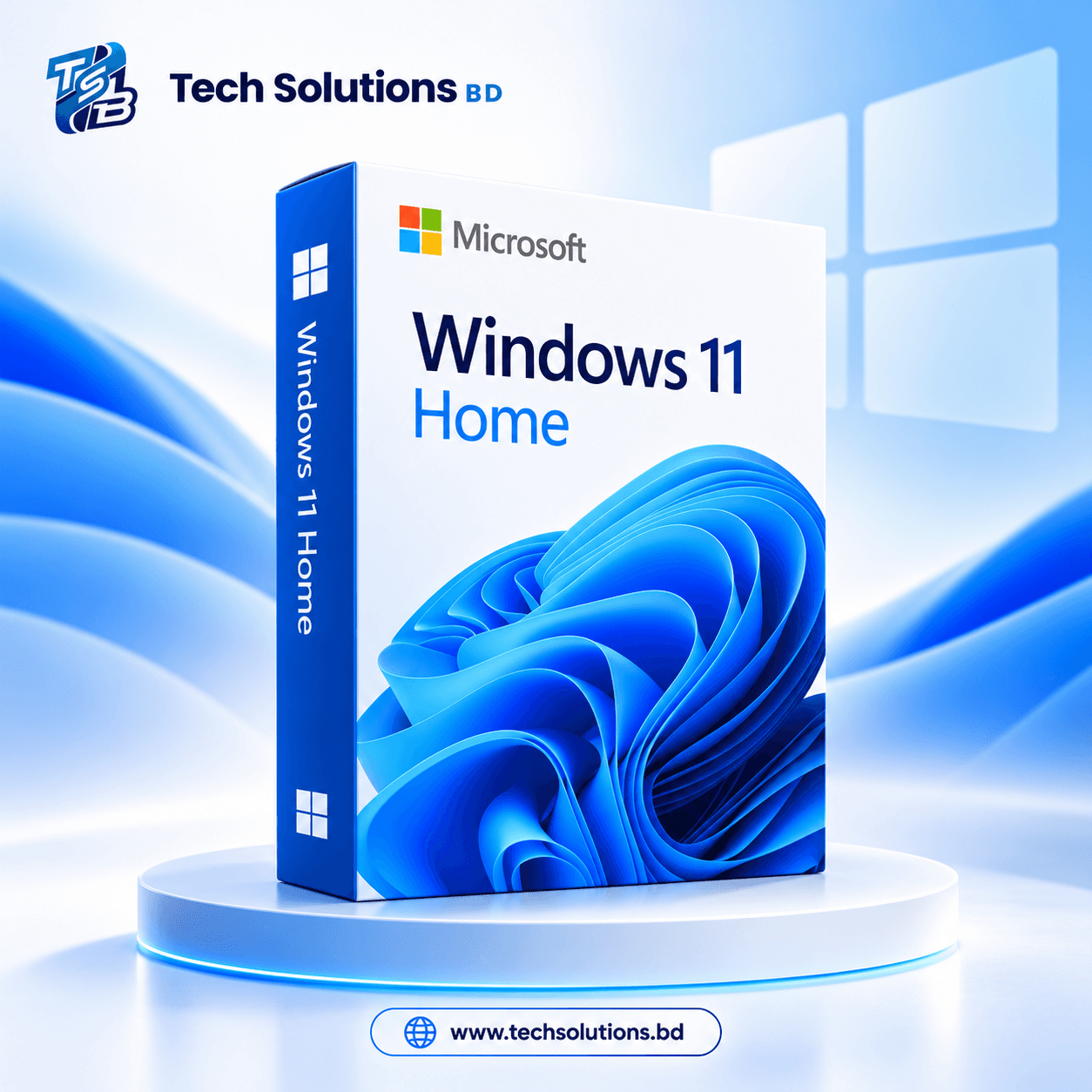
saleWindows 11 Home
Windows

Windows 11 Home

Sold by Tech Solutions BD

৳449৳13,500Save 97%

Product highlights

  • 100% Original License: Official Microsoft Windows 11 Home digital activation key for 1 PC.
  • Lifetime Validation: Permanent activation with uninterrupted access to official Microsoft security updates.
  • Modern Windows Experience: Features refreshed Start menu, Snap Layouts, Widgets, and Microsoft Teams integration.
  • Gaming & Productivity: Includes DirectX 12 Ultimate, Auto HDR, and DirectStorage optimization.
  • Instant Delivery & Support: Fast delivery with 24/7 technical activation assistance from Tech Solutions BD.
Type:Retail
Order via WhatsApp
Product ID
windows-11-home-license-key
Category
Windows
Delivery
Digital delivery

Product Description

Windows 11 Home Genuine License Key

Activate your Windows 11 Home for life with a 100% original and genuine license key. Choose between a Retail Key (transferable and reusable) or an OEM/BIND Key (hardware-locked but auto-reactivates after reinstall).

Perfect for students, professionals, and businesses who want the full power of Windows 11 Home at the best price in Bangladesh.


Key Features

  • Lifetime Validity: One-time activation
  • Retail Key: Transferable, reusable, and supports upgrade from Home to Pro
  • OEM/BIND Key: Locked to device hardware, but auto-reactivates after format
  • Global License: Works worldwide, multilingual
  • Instant Delivery: Sent via Email
  • 100% Genuine: Verified Microsoft Reseller
  • 24/7 Support: Live Chat and WhatsApp
  • Guarantee: Money-back Guarantee

Key Comparison: Retail vs. OEM/BIND

Feature Retail Key OEM/BIND Key
Transferable Yes – Can be used on new devices No – Locked to a single PC
Reusability Manual reactivation possible Auto-reactivates on same PC
Upgrade Support Can upgrade from Home to Pro Only for clean install
Price Slightly higher More affordable
Best For Users who may upgrade their PC later Fixed device or single-PC users

Activation Steps

  1. Go to Settings > Update & Security > Activation
  2. Click Change Product Key
  3. Enter the key you received via email
  4. Click Next, then Activate

Your Windows 11 Home is now permanently activated!